Newsroom/
Did GTA 6 update 01.002.002 fix CE-108255-1? Not for many
Rockstar's first patch lists crash fixes but never names PS5 error CE-108255-1. Notebookcheck and Windows Report say players still crash. What to try now.
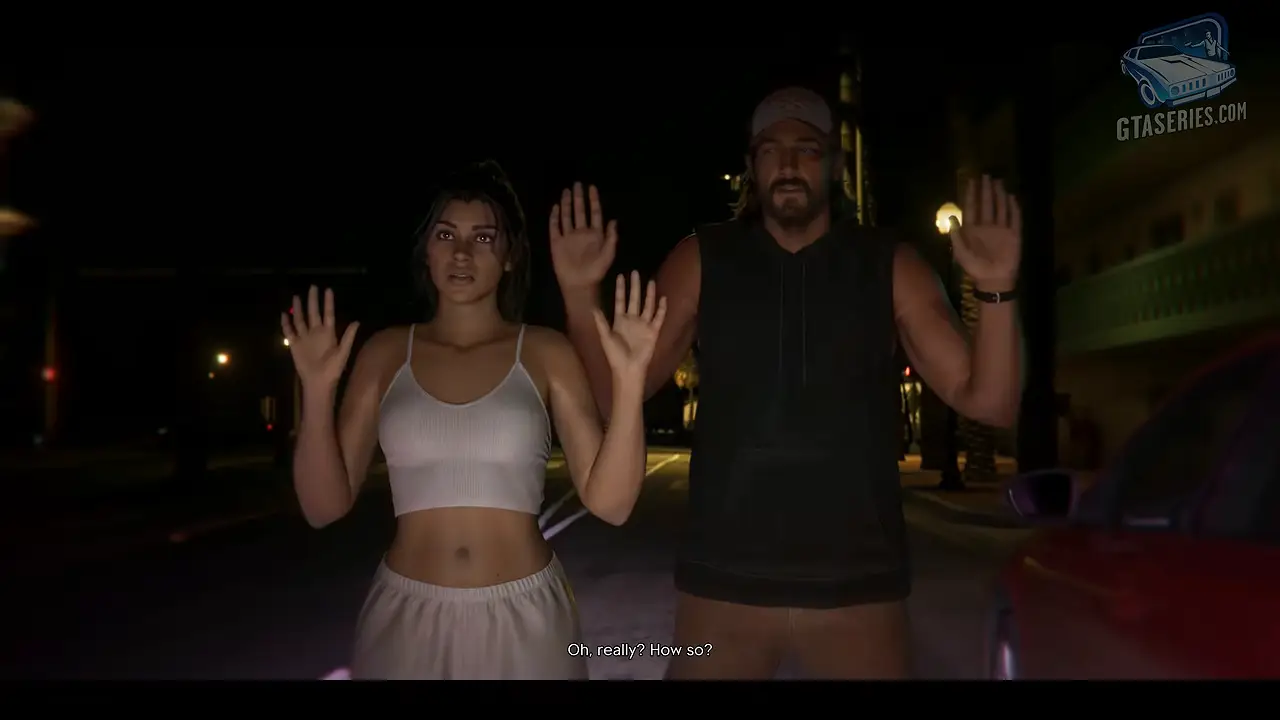
Update 01.002.002 did not clearly fix the PS5 crash with error CE-108255-1. Rockstar's patch notes from November 23 say it fixed "several issues that caused the game to crash", but the error code is not named, and on November 24 Notebookcheck and Windows Report both reported that PS5 players are still hitting it after installing the update.
What the outlets report
- Notebookcheck says the update "didn't address" CE-108255-1 and that affected players can't finish missions without the console closing the game. It lists the base PS5, the Slim and the Pro as affected.
- Windows Report says players on Reddit still get the error after the patch, some within minutes, and that Rockstar has not acknowledged the code or announced a dedicated fix.
- One player quoted by Notebookcheck still crashes after 3 to 5 minutes even after reinstalling the game, rebuilding the database and changing display settings.
- Notebookcheck also notes that some players see fewer problems since the update, but most posters are still looking for a solution.
Where it happens
The reports keep pointing at the same early moments: the Prologue with Lucia, and the plunger step in Pipework. If that is your spot, these pages hold the details and the fixes players tried:
gta6bugs.com/bugs/gta-6-ps5-crash-ce-108255-1
gta6bugs.com/bugs/gta-6-keeps-crashing-in-prologue
gta6bugs.com/bugs/gta-6-pipework-crash-plunger-sink
Is it the game or the console?
Nobody knows yet. Sony's page for CE-108255-1 only says "An error occurred with the game/application", suggests updating the game and then sends players to PlayStation Repairs. Notebookcheck says overheating is one possible explanation, but that other demanding games don't show the problem on the same consoles. That is why we would not pay for a repair only because of this one code while every other game runs fine.
What to do now
- Check that GTA 6 shows version 01.002.002. The update rolled out in waves on PS5, so some consoles got it later.
- Go through the fix list on our CE-108255-1 page, from quick steps to drastic ones. Each fix shows who it worked for and who it didn't help.
- Save manually in more than one slot so a crash costs you less. The autosave fix in the patch notes doesn't undo old lost progress.
- If it crashes at the same scene every time, send Rockstar Support the mission name, your console model and the game version.
Other launch error codes are listed at gta6bugs.com/errors and the full patch notes are at gta6bugs.com/news/gta-6-update-01-002-002-patch-notes-ps5…
We will refresh this page when Rockstar or Sony comments or a new update names the error.
Source: Notebookcheck, notebookcheck.net/GTA-6-update-fails-to-fix-PS5-crash-CE-… (also Windows Report, windowsreport.com/gta-6s-latest-update-apparently-fails-t…)
Image: GTA Series Videos on YouTube (gameplay frame).
Original source:Notebookcheck
Discussion
Join the discussion
No account needed. Be civil, no personal info, no piracy or cheat links.
No replies yet. Can you reproduce it? Found a workaround? Start the thread.