Newsroom/
GTA 6 crash wiped your progress? Check Load Game first
Players on PS5 and Xbox report losing hours of progress after crashes. Autosaves don't show in the Save Game menu, and Rockstar has not commented yet.
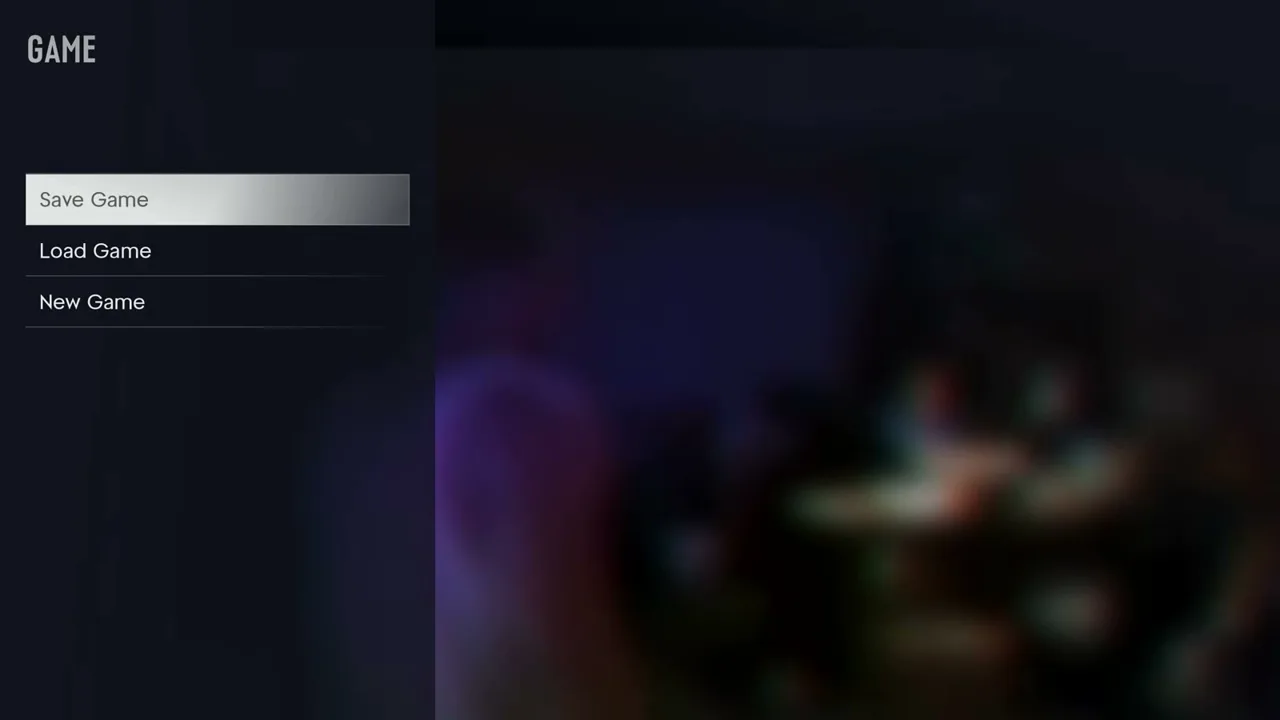
One of the biggest complaints from GTA VI's first days is lost progress. Players on PS5 and Xbox Series X|S say a crash, freeze or sudden reboot sent them back hours, and the autosave did not save them.
The story spread after streamer JasonTheWeen said he lost about 10 hours. After his PS5 rebooted (it is not clear whether the game crashed or the console was switched off), the only save he could find was the prologue autosave. Some viewers think the moment was staged, and nothing proves it either way. But Notebookcheck also points to Reddit threads where Xbox Series X owners describe the game crashing repeatedly at key moments, including one player who had to restart the prologue several times. Windows Forum's write-up stresses that there is no confirmed cause, no data on how common it is, and no statement from Rockstar so far.
Before you assume your save is gone, check one thing: autosaves are not listed in the Save Game menu. Go to Game, then Load Game, and look for the autosave there. Notebookcheck and a Reddit commenter in the clip discussion both point to this as the first thing to try.
How to protect yourself until a fix arrives:
Save manually in free roam right after every mission, because you can't save during missions.
Use more than one of the save slots and rotate them, so one bad save can't take everything.
Remember that loading an older manual save can overwrite the single autosave.
We track this on its own bug page with the workarounds players have confirmed: gta6bugs.com/bugs/gta-6-lost-save-progress-after-crash-ne…. If you can't save at all, see gta6bugs.com/bugs/gta-6-save-game-greyed-out-cant-save-ma…. For crashes themselves, see the prologue crash report (gta6bugs.com/bugs/gta-6-keeps-crashing-in-prologue) and the Xbox Series X|S crash page (gta6bugs.com/bugs/gta-6-crashing-xbox-series-x-s). Our saving guide covers every menu step: gta6bugs.com/guides/how-to-save-gta-6
What this means for players: until Rockstar patches it or explains how autosave works, treat manual saves as your real safety net. We will update the bug page when an official fix appears in the patch notes.
Source: Notebookcheck, notebookcheck.net/GTA-6-PS5-and-Xbox-crashes-are-losing-h… (also Windows Forum and Archyde).
Image: GosuNoob on YouTube (in-game menu frame).
Original source:Notebookcheck
Discussion
Join the discussion
No account needed. Be civil, no personal info, no piracy or cheat links.
No replies yet. Can you reproduce it? Found a workaround? Start the thread.