GTA 6 keeps crashing in the prologue (PS5 & Xbox)
Many players crash repeatedly during the prologue, often at the same scene (boat sequence, intro cutscene, after the escape).
Workaround
No patch yet and no single fix works for everyone. Unplugging the Xbox for 2 minutes didn't help a r/XboxSupport player; DroidWin says a full PS5 reset hasn't helped many.
01Update the game and console
- PS5: highlight GTA VI > Options > Check for Update. Xbox: Menu > Manage game and add-ons > Updates.
- Install any system update and restart.
02Quit fully instead of resuming (Xbox)
- Press the Xbox button, highlight GTA VI, press Menu > Quit.
- In Quick Resume, remove GTA VI.
- Start the game fresh.
03PS5: display settings + Safe Mode in one row
- Settings > Screen and Video > Video Output: HDR Off, 120Hz Output Off, Resolution 1080p.
- Turn the PS5 off, hold power until the second beep, connect the controller by USB.
- Clear Cache and Rebuild Database > Clear System Software Cache, then Rebuild Database.
04Xbox: 120Hz and VRR off
- Settings > General > TV & display options > Refresh rate: 60Hz.
- Video modes: untick Allow variable refresh rate.
05Xbox: clear persistent storage
- Settings > Devices & connections > Blu-ray > Persistent storage > Clear. Saves are kept.
06Keep the console cool
- If the fan roars before a shutdown, let it cool and clean the vents.
07Reinstall (saves are kept)
- Delete GTA VI and reinstall it to internal storage.
08While you wait for a patch
- The Prologue is autosave only (Output Lag): play it in one 20-30 minute sitting.
- Save manually as soon as it ends.
- Report the crash at support.rockstargames.com.
Unsubscribe with one click from any email.
What happens
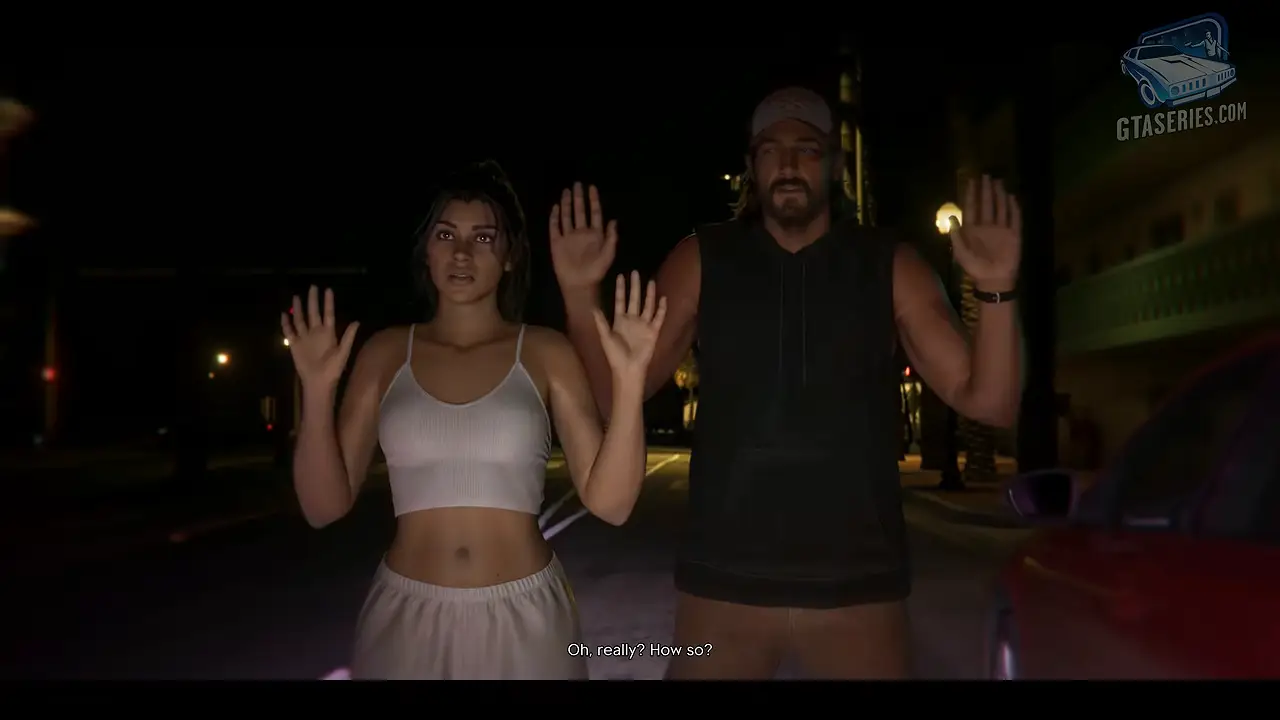
Crashes during the prologue are the most common complaint in r/GTA6's launch megathread, on base PS5, PS5 Pro, slim and Xbox Series X. Some freeze then return to the dashboard, others crash at the same moment every attempt (for example during the boat scene or the intro cutscene). One PS5 player got error CE-108255-1 at the first aim prompt.
**More reports (Nov 19 evening):** On a brand-new PS5 Slim, u/SneakyBeakyIceT reported crashes every ~10 minutes in the prologue ([Reddit thread](reddit.com/r/gta6_official/comments/1xzuyql/gta_6_keeps_c…)). They said it stopped after turning off HDR and 120 Hz, forcing 1080p output, then rebuilding the database and clearing the cache in Safe Mode (done twice) and installing the latest update. Other players in the thread still crash, so treat it as a workaround, not a fix.
Update (Nov 20): Output Lag notes that Save Game is greyed out for the whole Prologue, which runs on autosave only, so a crash can send you back to the start. Expect 20-30 minutes, and save manually as soon as it ends. A r/XboxSupport player with crashes on Series X says unplugging the console for 2 minutes did not help.
Steps to reproduce
Play the prologue; crashes are random for some and at a fixed point for others.
Players reporting this
- 5
Related bugs
- 0Votes
- 0Votes
Hot right now
- 0Votes
- 0Votes
- 0Votes
- 0Votes
- 0Votes
Discussion
Join the discussion
No account needed. Be civil, no personal info, no piracy or cheat links.
No replies yet. Can you reproduce it? Found a workaround? Start the thread.