Newsroom/
GTA 6 CE-108255-1 crash: Rockstar and Sony point at each other
PS5 players stuck on the CE-108255-1 crash in GTA 6 are being bounced between Rockstar Support and PlayStation Support, and neither has named a cause or a patch yet.
The biggest technical problem of GTA VI's first days is still the PS5 error CE-108255-1, and now players say they are being sent back and forth between the two companies that could fix it.
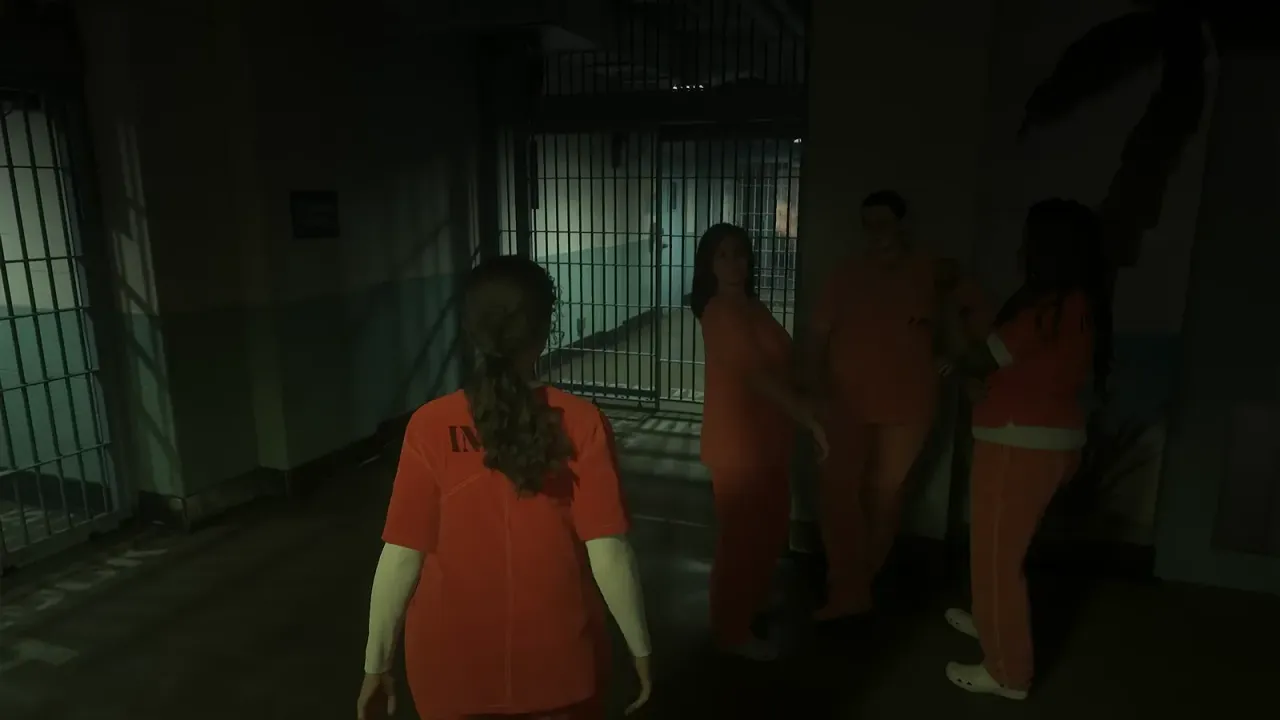
Polygon, GamesRadar and GameSpot have all covered the crash. It throws the game back to the PS5 home screen, sometimes in the first minutes of the Prologue while Lucia is in prison, sometimes hours later at a fixed story moment. One Redditor cited by Polygon says the game crashes every time Jason is about to use the plunger in Pipework. Reports come from the launch PS5, the digital edition and the PS5 Slim.
The frustrating part is support. One Redditor said Rockstar Support told them to contact PlayStation's hardware team, which suggests Rockstar sees it as a console problem. Gizmodo, on the other hand, reported that PlayStation support told at least one player it is a software issue. Rockstar's GTA VI troubleshooting article only links to the PlayStation and Xbox support pages, and Sony's official page for CE-108255-1 just says to update the game or use PlayStation Repairs. One player said a repair quote came to about 300 pounds.
There are two theories. Some players believe GTA VI is demanding enough to expose existing faults in older consoles, such as heat or worn thermal paste. Others point out that the crash is tied to GTA VI and not to other games, which looks more like a bug in the game. One player on X claimed they redid their console's liquid metal and still got the error, so hardware is not a clear answer either.
What this means for players: there is no official fix and no patch notes yet. Do not pay for a repair just because of this one code if every other game runs fine. Things that worked for some players, according to Polygon and the Reddit threads it cites, are switching the PS5 video output from Automatic or Manual to 1080p, rebuilding the database in Safe Mode and restoring licenses. We keep the full list of fixes, ordered from quick to drastic, with tick-box steps here: gta6bugs.com/bugs/gta-6-ps5-crash-ce-108255-1
If the crash happens at the same scene every time, note the mission name, your console model and the game version, and send that to Rockstar Support. Save manually in more than one slot so a crash costs you less. Other launch error codes are listed at gta6bugs.com/errors and the mission guides for the two most reported crash points are at gta6bugs.com/missions/prologue and gta6bugs.com/missions/pipework
Source: Polygon, polygon.com/gta-6-crash-ps5-error-code-ce-108255-1/ (also GamesRadar, gamesradar.com/games/grand-theft-auto/ps5-error-ce-108255… and GameSpot).
Image: Aquish GTA on YouTube (gameplay frame).
Original source:Polygon
#ce-108255-1#ps5#crash#support
Discussion
Join the discussion
No account needed. Be civil, no personal info, no piracy or cheat links.
No replies yet. Can you reproduce it? Found a workaround? Start the thread.