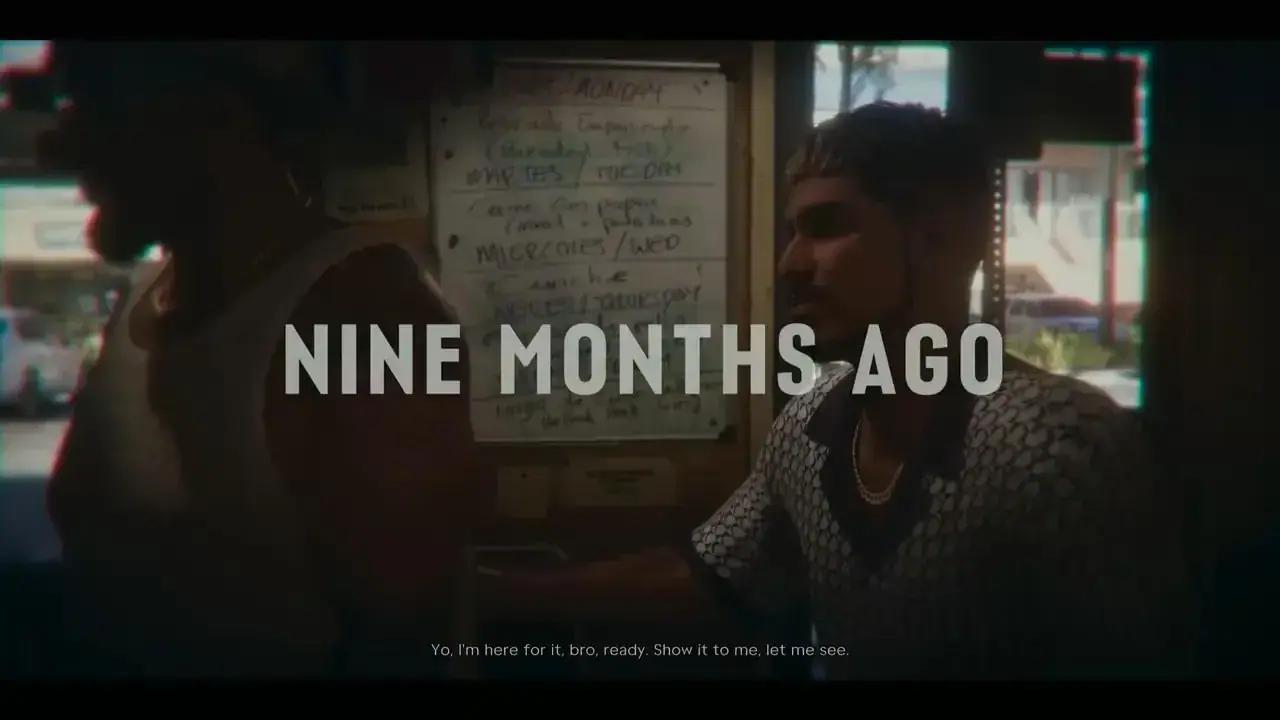
GTA 6 cutscene goes to black screen (audio plays, no picture)
Some players report cutscenes turning black mid-scene; the game then cuts back to gameplay, sometimes with the character in a different spot.
Workaround
Wait a few seconds, the scene usually resumes or skips. If the screen stays black, close the game fully and reload the last save. Keeping GTA 6 on internal SSD storage (not USB) may reduce streaming hitches.
Unsubscribe with one click from any email.
Video
What happens
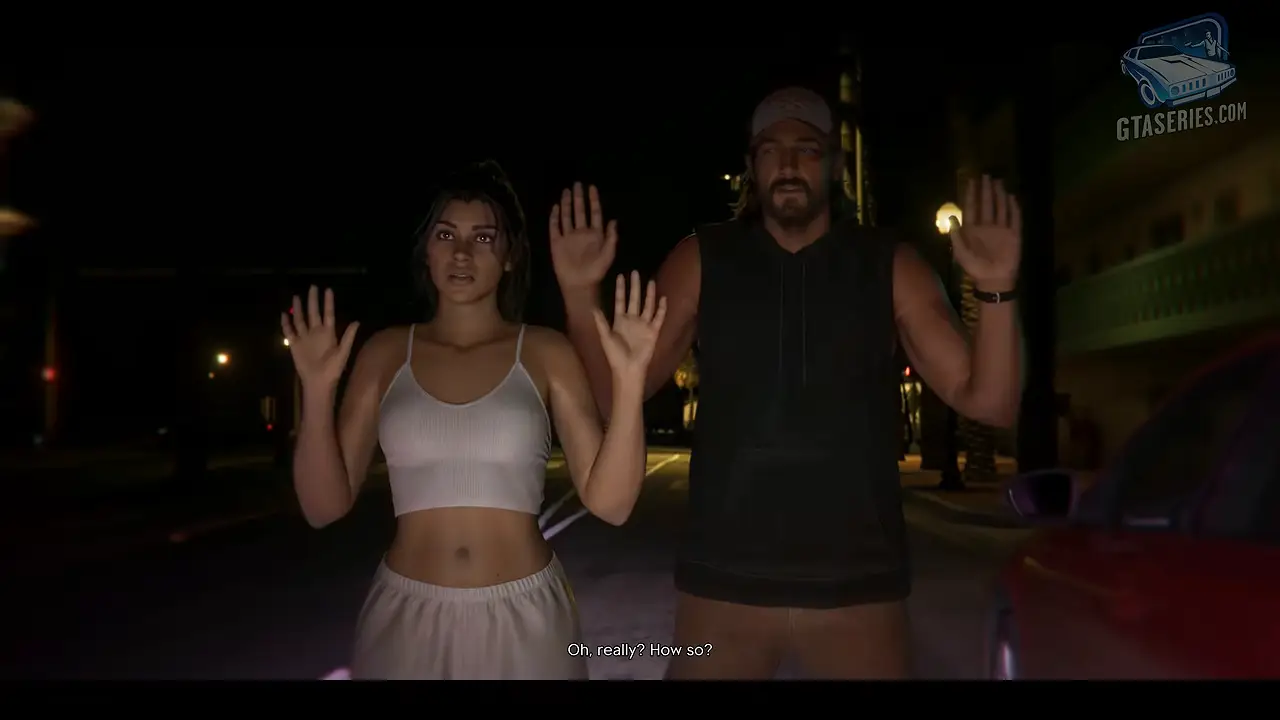
Spanish-speaking bug roundups on X (NotPalo, CallofMikels_) list "black cutscenes" among the first GTA 6 bugs, and a widely shared clip posted by GTA 6 Alerts shows a scene cutting to a black screen before Lucia suddenly appears out in the street. Most reports describe the scene resuming or skipping ahead on its own; none so far describe a permanent black screen that blocks the story.
Because cutscenes stream assets from storage, the issue may be related to texture/asset streaming hiccups (see the related "textures not loading in the intro" report). This is player-reported and unconfirmed by Rockstar.
Steps to reproduce
Happens during story cutscenes; no reliable trigger known.
Players reporting this
- 1
- 2
Related bugs
- 0Votes
- 0Votes
- 1Votes
- 0Votes

Hot right now
- 1Votes
- 0Votes

Discussion
Join the discussion
No account needed. Be civil, no personal info, no piracy or cheat links.
No replies yet. Can you reproduce it? Found a workaround? Start the thread.