GTA 6 textures not loading: untextured white buildings and pop-in during the intro
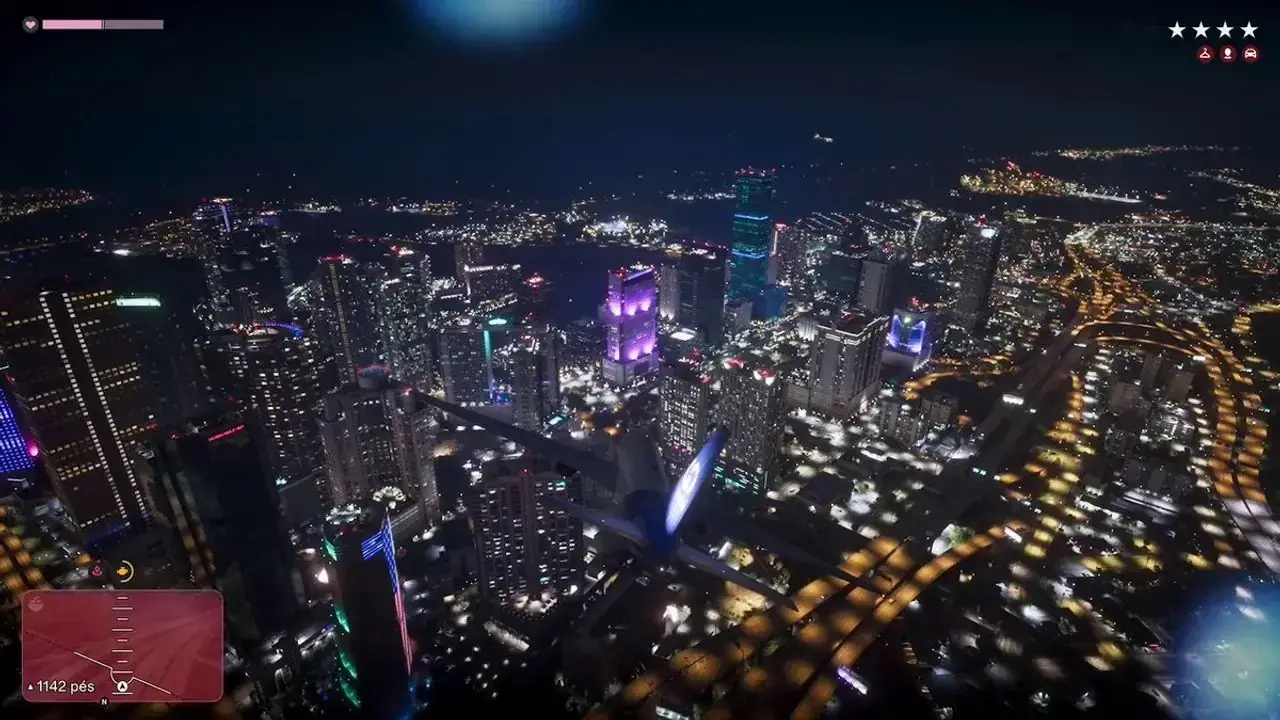
Some players see the GTA 6 world render with missing textures during the opening credits: plain white buildings, blurry low-detail NPCs and cars popping in.
Workaround
No official fix yet. Things that usually help with texture streaming on consoles: let the game finish installing fully (check the download queue for remaining GTA 6 data), install the game on the internal SSD instead of external storage, and restart the game if textures stay missing after the intro.
Unsubscribe with one click from any email.
Video
What happens
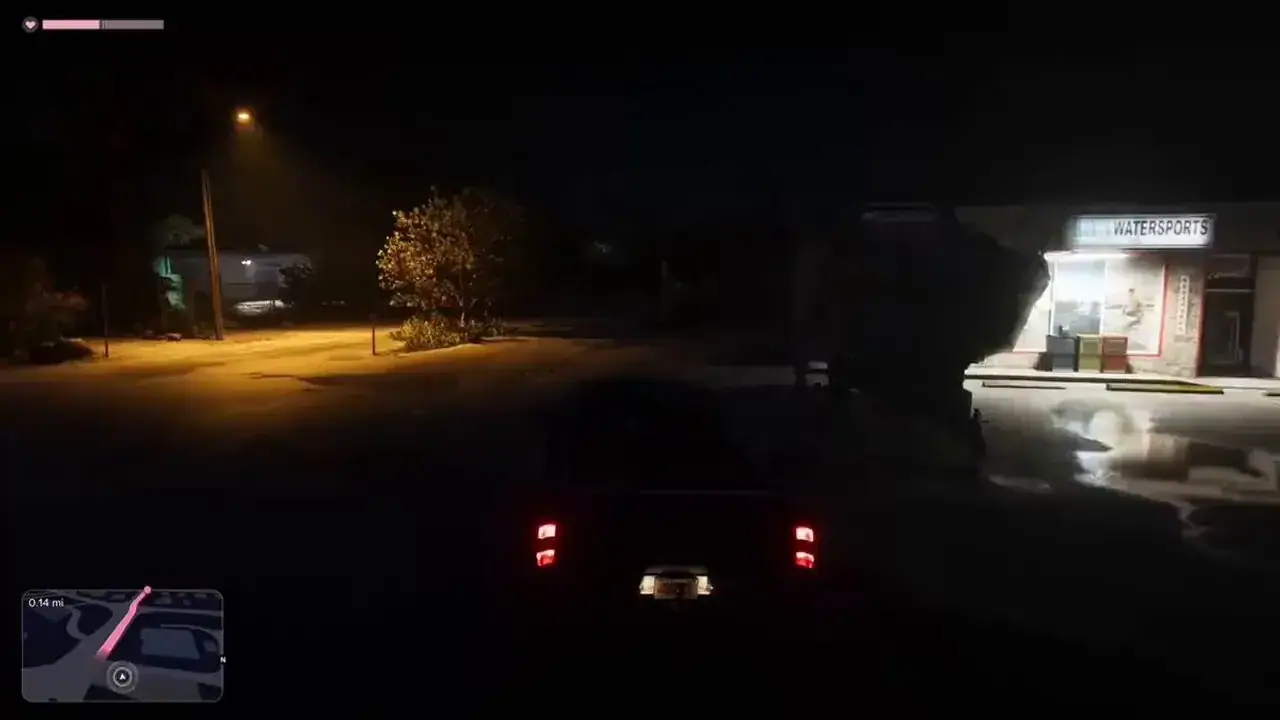
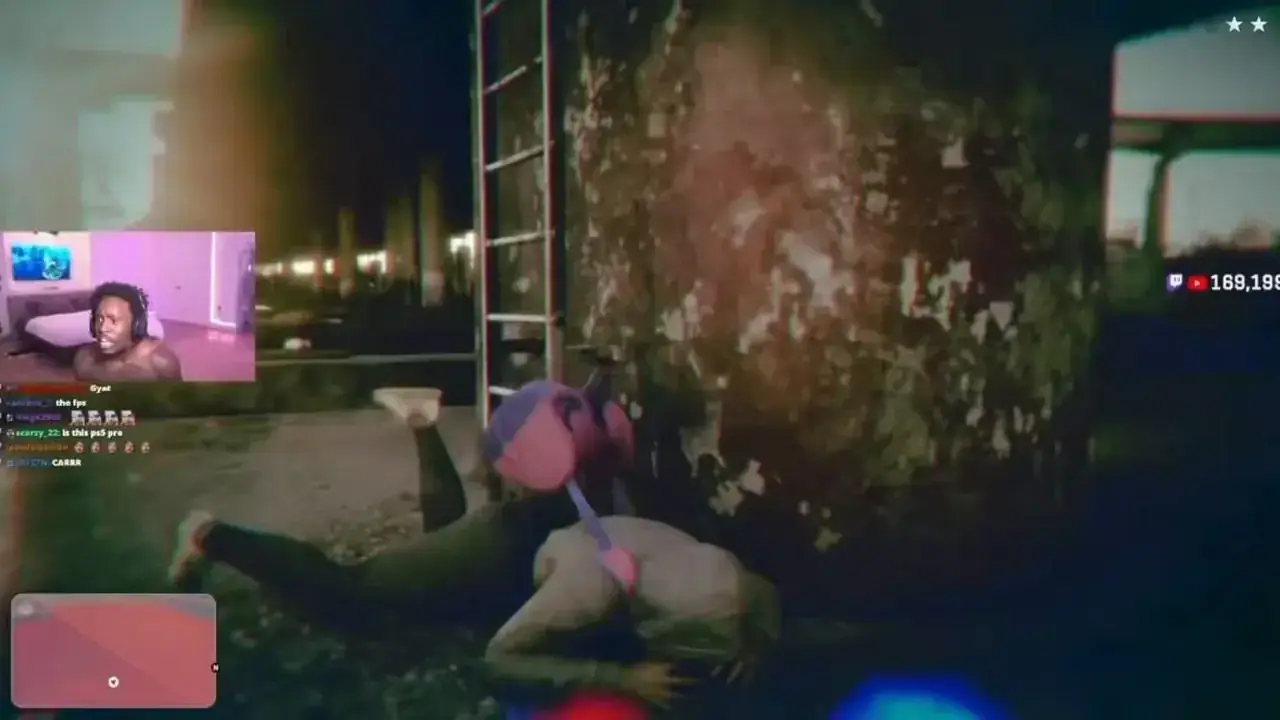
A streamer clip posted on X on launch day (25,000+ likes) shows the opening credits sequence that plays right before the Prologue with large parts of the city drawn as flat white, untextured blocks. Low-detail pedestrians and vehicles pop in late, and the scene looks closer to an old-generation GTA than to the final game. Beebom added it to its GTA 6 bug tracker and compared it to Cyberpunk 2077's launch, noting that it seems to affect only a few players. Rockstar hasn't commented and it isn't clear which console was used or whether the textures catch up after the intro. A second clip from @iNOTORIOUS on X (22,000+ likes) shows the same thing outside the intro: blocky, untextured buildings, placeholder pedestrians and a low-poly Jason with no face details.
Steps to reproduce
Start a new game and watch the opening credits flyover before the Prologue. In affected sessions buildings appear without textures and NPCs/cars stream in late.
Players reporting this
- 2
- 3
More clips of this bug
Related bugs
- 1Votes
- 0Votes
- 1Votes
- 0Votes
Hot right now
- 1Votes
- 0Votes

Discussion
Join the discussion
No account needed. Be civil, no personal info, no piracy or cheat links.
No replies yet. Can you reproduce it? Found a workaround? Start the thread.