Guides/
How to Switch Characters in GTA 6 (Jason and Lucia)
Kurz gesagt
To switch characters in GTA 6, hold Right on the D-pad to open the Partner Menu, then press R1 on PS5 or RB on Xbox Series X|S and pick Jason or Lucia from the portraits in the bottom-right corner. Free switching (Partner Freeroam) only unlocks partway through Chapter 2. Before that the story chooses who you play, and some missions stay locked to one character.
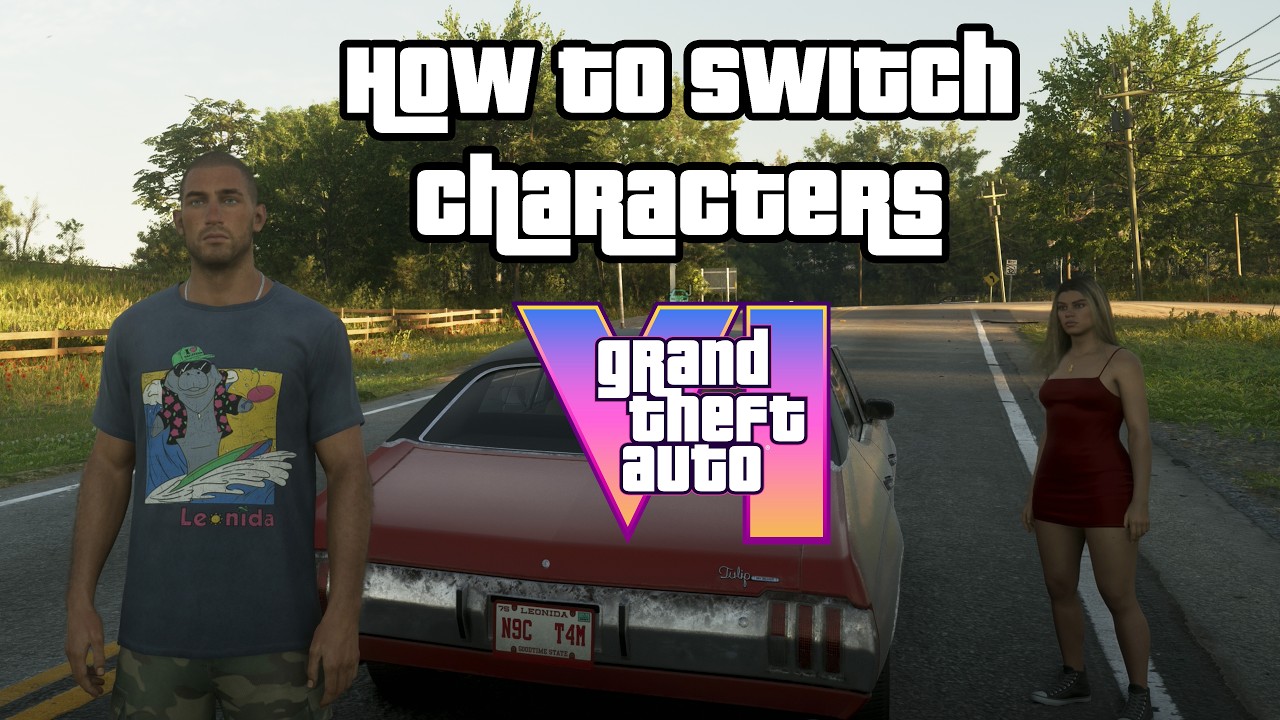
How to switch between Jason and Lucia
- Make sure you've unlocked free switching (see below) and you're not in a character-locked mission.
- Hold Right on the D-pad. A quick tap detonates placed explosives instead, so keep holding until the Partner Menu opens (KeenGamer).
- Press R1 on PS5 or RB on Xbox Series X|S.
- The game slows down and Jason's and Lucia's portraits show up in the bottom-right corner. Highlight the one you want and confirm.
The menu works on foot and in cars, boats and aircraft. If you're coming from GTA 5, note that D-pad Down no longer opens a character wheel. It's used for navigation now.
When does character switching unlock?
Early on the story decides who you play. You start as Jason, Lucia joins him in Day Release and becomes properly playable after Chapter 1. Free switching, called Partner Freeroam in the game, opens in Chapter 2:
- Polygon and KeenGamer say it unlocks after the Breakfast Run mission, which can be 10+ hours in.
- Eurogamer got it during Coffee Break, its sixth Chapter 2 mission, and notes that your mission order may differ.
Either way, a notification tells you when it's on.
Why can't I switch characters?
| Problem | Fix |
|---|---|
| Switching isn't unlocked yet | Play the story further into Chapter 2 |
| You're in a "J" or "L" mission | Missions marked J are Jason only, L is Lucia only. Finish or leave the mission |
| The other portrait is greyed out | Your partner is busy, for example riding a RydeMe. Wait and try again |
| Tapping D-pad Right does nothing useful | Hold it. A tap is the detonate input |
Missions marked J/L are solo, but you can pick who goes (Polygon). You can't finish the story as only one character: both have required missions.
Partner tricks worth knowing
- Instant seat swap. When both are in the same car, switching just moves you between the driver's and passenger's seat. One drives, the other shoots out of the window (KeenGamer).
- Free chauffeur. Set a waypoint, switch to the passenger, and your partner drives you there.
- Call your partner over. In the Partner Menu press Triangle (PS5) or Y (Xbox) to have them come to you, often with a car (KeenGamer, Polygon).
- Switch as a free teleport. If Jason is at home and Lucia is across the map, switching to Jason gets you home instantly (Polygon).
- Dodge heat. Each character has their own Criminal Profile shown under their portrait. If Jason is wanted in an area, take Lucia in instead (Eurogamer).
- Pick the stronger character. Health, stamina and Focus are trained per character, so take the fitter one into a gunfight.
- Play both. Polygon says sharing missions and activities between them keeps the relationship strong.
- 0Stimmen
FAQ
- What button switches characters in GTA 6?
Hold D-pad Right, then press R1 on PS5 or RB on Xbox, and pick Jason or Lucia.
- When can you switch characters in GTA 6?
Free switching (Partner Freeroam) unlocks in Chapter 2. Most guides say after Breakfast Run; Eurogamer got it during Coffee Break.
- Can you play GTA 6 only as Jason or only as Lucia?
Outside missions you can, but both characters have required story missions, so you can't finish the story with only one.
- Why is my partner greyed out in GTA 6?
They're busy, for example travelling in a RydeMe, or you're in a mission locked to one character.
Quellen
- 01KeenGamer: How to Switch Between Jason and Lucia in GTA 6 — D-pad Right + R1/RB, hold vs tap, unlock order, fixes
- 02Polygon: How to change between Jason and Lucia in GTA 6 — Breakfast Run unlock, J/L markers, teleport trick
- 03Eurogamer: How to switch between Jason and Lucia in GTA 6 — Partner Freeroam during Coffee Break, Criminal Profile icon